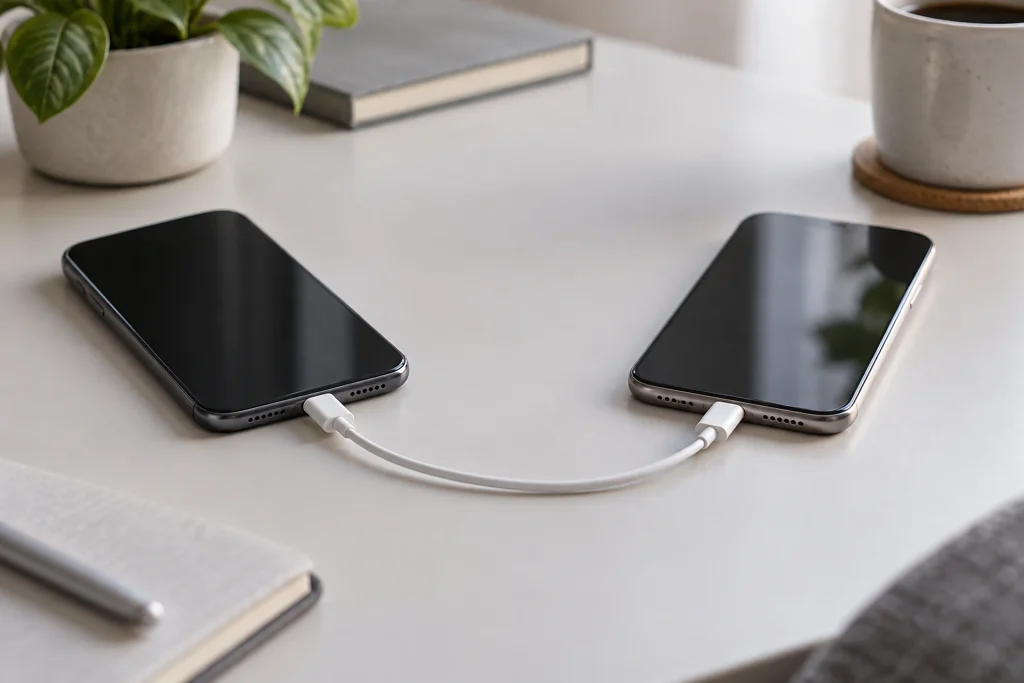
To transfer WhatsApp chats from iPhone to Android, there is no need to download the iCloud backup to Android; on supported devices, the process is carried out directly during Android’s initial setup. If the phone has already been set up, a factory reset may be required to use the appropriate transfer method. WhatsApp must be up to date on both devices, the same number used on the iPhone must be used on Android; depending on the model, a cable connection and the manufacturer’s data transfer tool may be required.
On a new or reset Android device, start the initial setup and select copying data from the old device and WhatsApp. Connect the phones following the instructions, scan the QR code with the iPhone, and start the transfer from WhatsApp; once the data has been prepared and copied, complete the setup. Sign in to WhatsApp on Android with the same number and import the chat history. Do not disconnect the cable, and ensure sufficient storage and charge; large archives may take time. Afterwards, check the messages and media. iCloud backups cannot be restored directly to Android; iCloud and Google account systems are different.
Background
Android is not a new name in the FikirPilot archive: we have published 20 articles mentioning this name in the last 90 days; the most recent is dated September 16, 2026.