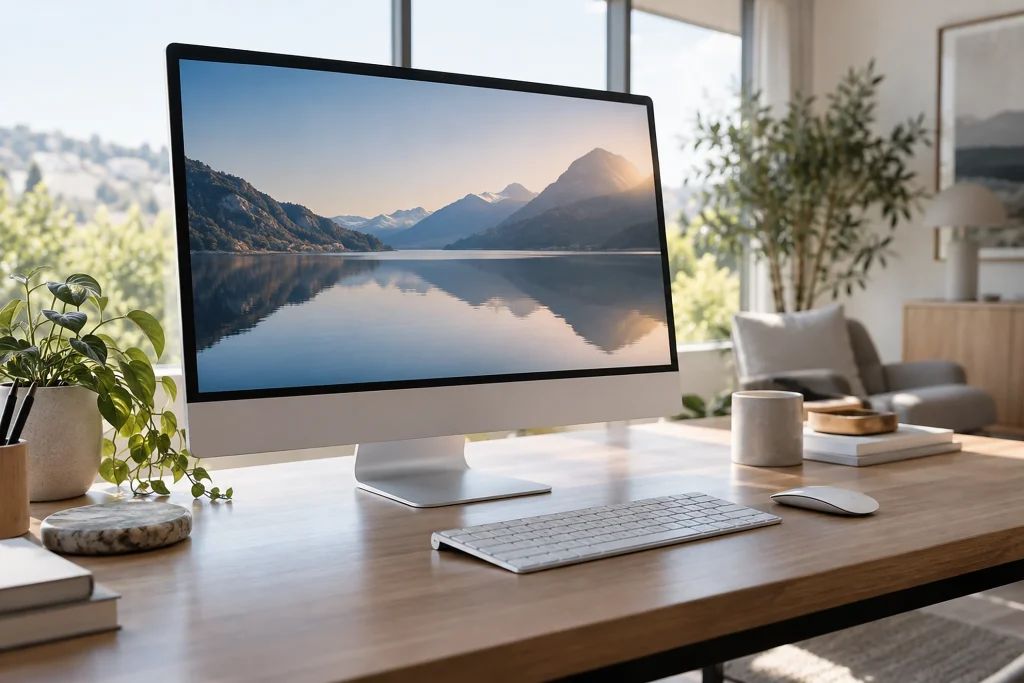
All-in-One (AIO) computers combine the processor, RAM, storage, and display in a single unit. Since they do not require a separate case, they can provide a clean desk setup; however, cables may still be needed for peripherals such as a keyboard, mouse, printer, external drive, and second display. Casper Nirvana A970 and A800 offer two different approaches to use with different display and hardware options.
A970 focuses on providing a large workspace with a 27-inch IPS panel, 2560 × 1440-pixel 2K QHD resolution, and 300-nit brightness. A800 features an IPS panel and 250-nit brightness. When choosing a display, the resolution, panel type, brightness, and usage environment should be considered alongside the screen size in inches.
The processor options show that the same model name can cover different performance levels:
- A970: Intel Core Ultra 7 255H, Core 5 210H, and 13th-generation Core i7-13620H.
- A800: 14th-generation Core i3-14100, i5-14400, and i7-14700; 13th-generation i7-13620H, i5-13420H, and i3-1315U.
Everyday office work, web browsing, and video meetings may not require the same processor as intensive multitasking or processor-intensive applications. Therefore, the generation, series, and processor class should be considered together.
Both models feature DDR5 4800 MHz memory, two slots, and support for up to 64 GB. Options of 8, 12, 16, 24, and 32 GB are listed for A970. Those who use many tabs and applications need to assess their capacity requirements together with the device’s planned period of use.
The storage options for A970 include 250 GB, 500 GB, 1 TB, and 2 TB M.2 SSD configurations, along with PCIe 3.0 and PCIe 4.0 configurations. In addition to M.2 NVMe, A800 may also offer SATA storage in some configurations. The interface and supported storage structure should be checked alongside capacity.
A970 features USB 3.2, HDMI, DisplayPort, and RJ45 connectivity, while A800 includes USB Type-C. Functions such as video output or charging via Type-C should be verified separately. A800 is stated to have passed certain high-temperature, low-temperature, and dusty-environment tests under MIL-STD-810H; this does not mean that the device is unbreakable under all conditions. Before purchase, the RAM slots, maximum capacity, M.2/SATA support, video outputs, and network options should be reviewed in the official technical table.
Why it matters
The main takeaway from this comparison is that the A970 and A800 names alone are not enough to explain the devices’ performance or scope of use. The fact that processor, memory, and storage options vary within the same model makes different assessments necessary for office use and tasks requiring intensive multitasking. Therefore, for those planning to use the device for a long time, the memory slots and supported storage types are among the factors that directly affect the need for possible future upgrades. On the connectivity side, the function of the Type-C port on A800 in particular, along with the video outputs and network options, remain questions that need to be clarified before purchase. Durability tests also provide information about specific conditions; they do not mean that the device will operate without problems in every environment.
Background
RAM is not a new name in the FikirPilot archive: we have published 4 news articles mentioning it in the last 90 days; the latest is dated September 13, 2026.